Game Engines reports and market data
Documents
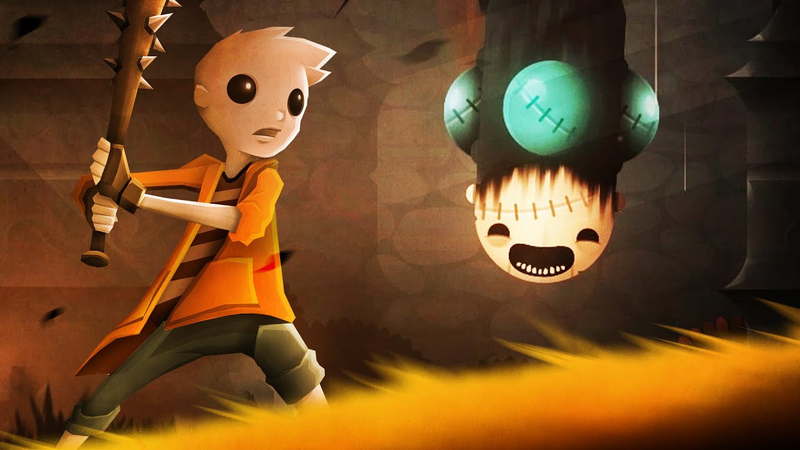
Creating a BOSS (Unity Basics!)
The process of designing complex boss characters in Unity requires a multi-disciplinary approach that integrates illustration, animation, and programming.
- Use animation events to trigger external functions like particle effects or screen shakes directly from the animation timeline, avoiding the need to hardcode every interaction.
- Implement a modular design by separating visual behavior in the Unity Animator tree from the underlying movement and difficulty logic managed by programmers.
- Utilize rigging tools like Spine to establish skeletal structures from Photoshop layers, ensuring a cohesive workflow between illustration and animation.
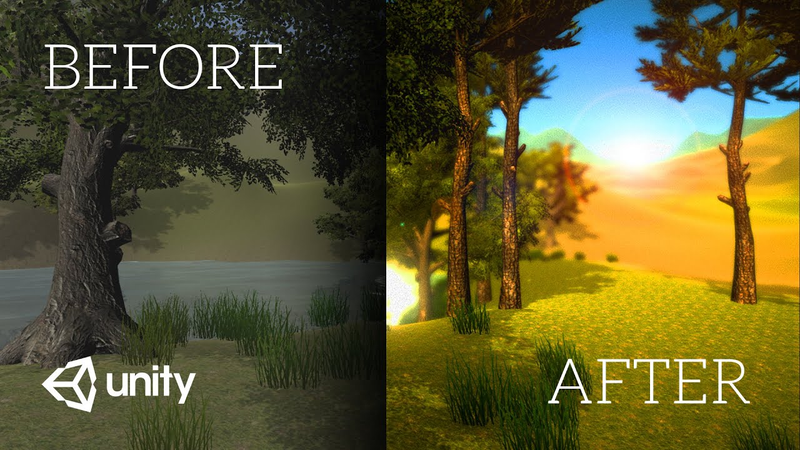
Your game 100x prettier in 10 seconds (Unity Image Effects Tutorial)
The implementation of post-processing effects serves as a highly effective method for enhancing the visual fidelity and professional aesthetic of video games developed within the Unity engine.
- The Unity Post-Processing Stack allows developers to rapidly enhance visual fidelity and cinematic quality without requiring extensive manual asset adjustments.
- Strategic use of post-processing is a critical factor in the success of game pitches, crowdfunding campaigns, and overall player reception.
- Key technical effects include ambient occlusion for edge shadows, bloom for high-dynamic-range lighting, and color grading for precise atmospheric control.

Gorgeous terrain is SUPER EASY (Unity Tutorial)
The Unity terrain tool serves as a foundational asset for game developers seeking to build immersive, high-quality 3D environments efficiently.
- Unity’s built-in terrain tools allow developers to construct complex landscapes like mountains and water features without building individual assets from scratch.
- Maintaining scale accuracy requires using a reference object to calibrate the environment relative to the player character.
- Performance is managed by utilizing the tree tool’s Level of Detail (LOD) groups, which dynamically adjust object complexity based on distance from the player.
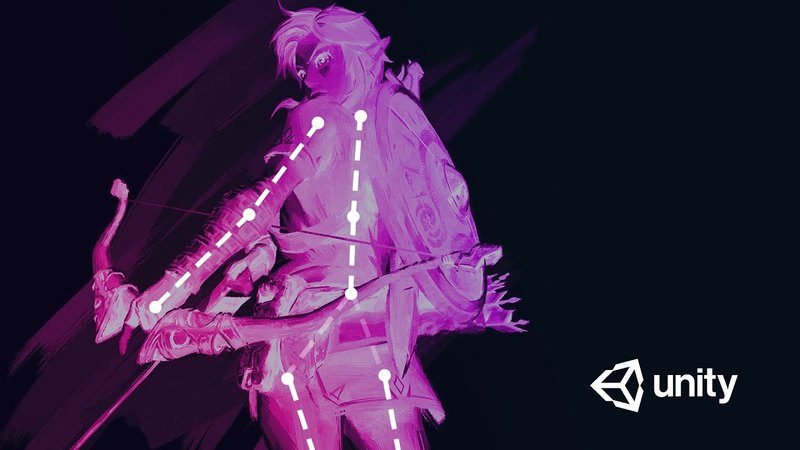
Animating a 2D Character in Unity (Rigging Basics Tutorial)
The process of rigging a 2D character within the Unity game engine has become significantly more accessible due to integrated tools that eliminate the need for external plugins.
- Unity’s 2D Animation and 2D PSD Importer packages allow developers to rig characters entirely within the engine, eliminating the need for external plugins.
- Layered artwork in PSB format can be imported to automatically generate a functional prefab, streamlining the transition from design to animation.
- The Skinning Editor enables the creation of bone hierarchies and character meshes directly within the development environment.
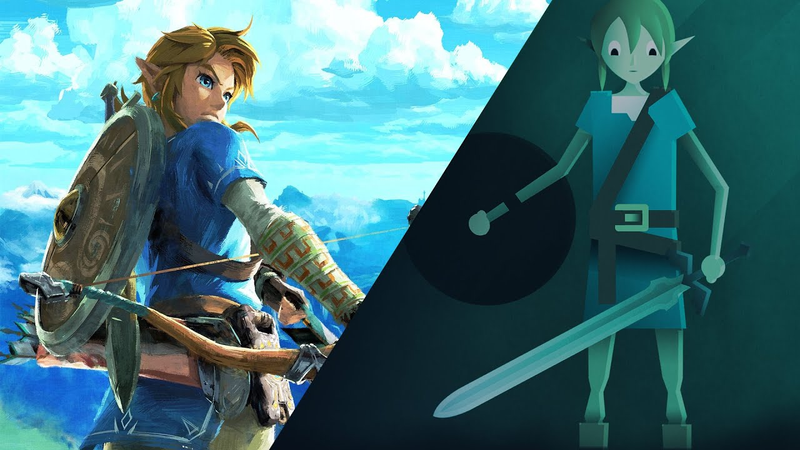
Redesigning Link for 2D (Unity Character Design Tutorial)
This tutorial outlines a systematic approach to translating complex 3D character designs into simplified 2D assets suitable for game development.
- Effective 2D character design prioritizes graphic design principles, specifically using basic geometric shapes and silhouettes to ensure visual clarity and readability at small screen scales.
- The 'caricature' design approach involves identifying and emphasizing a character's most iconic features while discarding unnecessary details that create visual noise.
- Designers should construct characters using primitive shapes like circles and rectangles while working in a T-pose to simplify the future rigging and animation process.
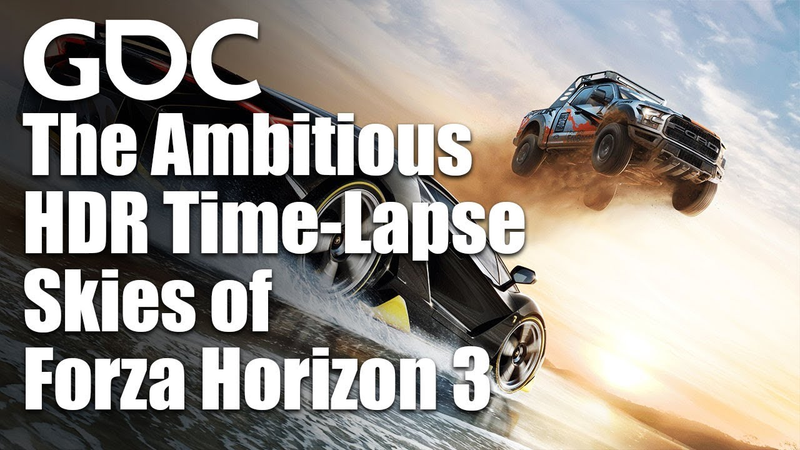
Shoot for the Sky: The Ambitious HDR Time-Lapse Skies of Forza Horizon 3
The development of Forza Horizon 3 marked a significant shift in open-world environmental rendering by replacing traditional procedural sky simulations with high-fidelity, HDR time-lapse photography captured on location in Australia.
- Forza Horizon 3 replaced procedural sky simulations with 25 distinct HDR time-lapse sequences captured on location in Australia to achieve superior lighting realism and physical accuracy.
- The development team engineered a custom three-camera rig to record 24-hour sequences, resulting in 1.2 terabytes of raw data per shoot.
- To optimize performance, the team used motion vectors to interpolate between two-minute capture intervals, reducing the final data footprint from over a terabyte to under 2 gigabytes.
Math for Game Programmers: The Math of Deep Learning
Deep learning functions as a specialized form of differentiable computing, where developers construct large, complex computational graphs to approximate functions that map inputs to outputs.
- Deep learning functions as differentiable computing, utilizing massive computational graphs with billions of parameters to approximate complex functions that map inputs to outputs.
- The primary utility of deep learning is its ability to process high-dimensional data, such as audio, video, and images, to identify complex decision surfaces that traditional rule-based systems cannot.
- Training relies on gradient-based optimization and backpropagation, which use the chain rule to iteratively adjust weights despite the non-convex nature of the problem.
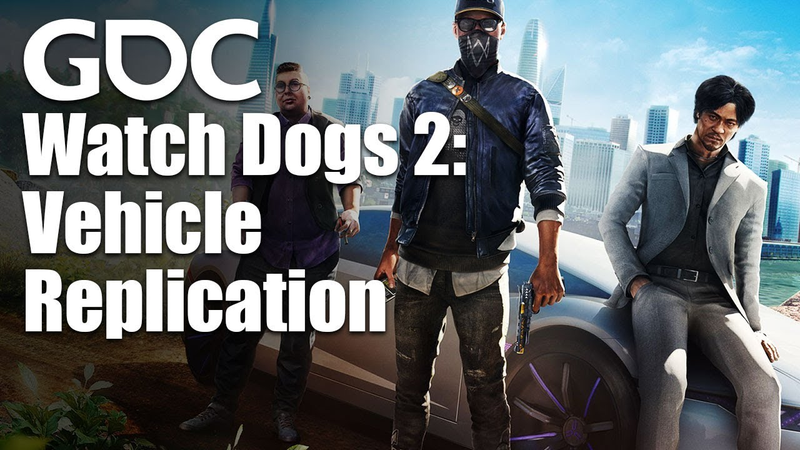
Replicating Chaos: Vehicle Replication in Watch Dogs 2
Achieving seamless vehicle replication in a peer-to-peer multiplayer environment requires a sophisticated balance between network latency management and physics fidelity.
- Watch Dogs 2 utilized a peer-to-peer architecture for its four-player bounty mode, which necessitated distributed authority over entities and created significant challenges for synchronizing high-speed vehicle collisions.
- Vehicle replication relies on projective velocity blending for dead reckoning, which interpolates between local velocity and predicted master snapshots to minimize the spatial gap caused by network latency.
- To mitigate collision discrepancies in a peer-to-peer environment, the team implemented a hybrid approach that allows local physics to simulate impacts for a short duration before blending back into the dead-reckoned trajectory.
Math for Game Programmers: Harmonic Functions and Mean-Value
Harmonic functions and mean-value coordinates serve as essential mathematical frameworks for procedural geometry and mesh manipulation within modern game development.
- Harmonic functions satisfying the Laplace equation enable smooth, natural transitions across triangle meshes by defining scalar values based on controlled boundary points.
- Cotangent-weighted discrete Laplacians allow developers to model complex surface behaviors using sparse matrix systems, avoiding the high computational cost of topological calculations.
- Integrating Lagrange multipliers into least-squares solvers allows for the enforcement of specific boundary constraints, facilitating intuitive interpolation across arbitrary mesh geometries.
Beyond Framerate: Taming Your Timeslice Through Asynchrony
Real-time game artificial intelligence frequently encounters computational bottlenecks when constrained by standard frame-based processing.
- Transitioning AI processing from standard frame-based execution to amortized, multi-frame task distribution prevents computational bottlenecks and ensures consistent performance.
- Implementing a custom scheduler within a thread pool is superior to traditional background threading, as it avoids common issues like thread contention, priority inversion, and unpredictable latency.
- Tasks should voluntarily yield execution by using the CPU’s timestamp counter to monitor duration, ensuring they pause before exceeding a strictly defined time slice.
Geometry Caching Optimizations in Halo 5: Guardians
Achieving high-fidelity destruction and complex kinematic motion in Halo 5: Guardians requires a robust geometry caching pipeline capable of managing over a million GPU transforms at a consistent 60 frames per second.
- The Halo 5 geometry caching system manages over one million GPU transforms at 60 FPS by categorizing assets into static, rigid, soft, and skinned types.
- Prioritizing rigid geometry as 'clouds of transforms' allows 90% of assets to be processed with a baseline performance cost of under two microseconds.
- Asset import times were reduced from 45 minutes to 30 seconds by moving away from temporal coherence algorithms to an Alembic-based pipeline that utilizes exported attribute data.
How To Animate In Unity 3D
This tutorial provides a comprehensive guide to the fundamentals of animation within the Unity 3D engine, focusing on practical applications such as moving platforms, interactive bridges, and patrolling enemies.
- To prevent conflicts between animation data and physics components like Rigidbodies, animate a child object relative to an empty parent object rather than animating the parent directly.
- The Animator window manages state transitions using logic-driven parameters such as triggers, integers, and floats to control when specific animations occur.
- Animation curves should be adjusted to achieve precise linear movement for mechanical objects like platforms and elevators.