Game Engines reports and market data
Documents
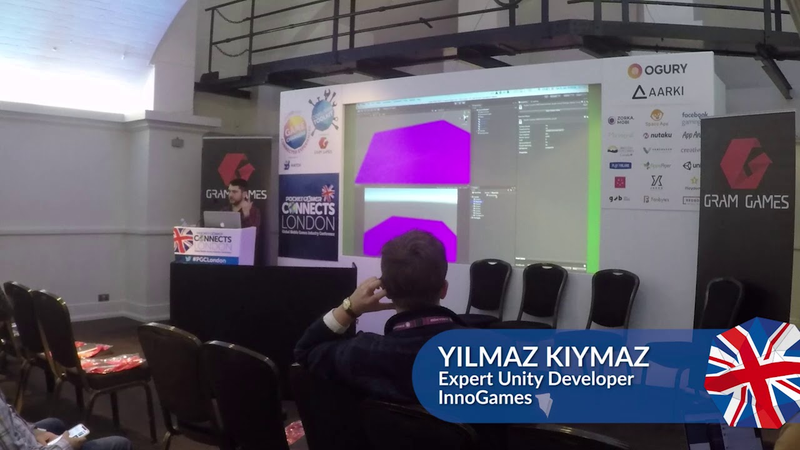
Optimising your mobile game using scriptable render pipelines
Scriptable Render Pipelines (SRP) represent a significant evolution in Unity’s rendering architecture, providing developers with granular control over the rendering process.
- Transitioning from the built-in pipeline to the Lightweight Render Pipeline (LWRP) with experimental batching can drastically reduce draw calls, as demonstrated by a decrease from 26 to eight in a sample scene.
- LWRP improves mobile performance and energy efficiency by utilizing constant buffers to group meshes sharing the same shader, which significantly lowers the overhead on device thermal limits and battery life.
- Developers must convert custom shaders from CG to HLSL and implement constant buffers to achieve compatibility with the SRP architecture and enable batching optimizations.
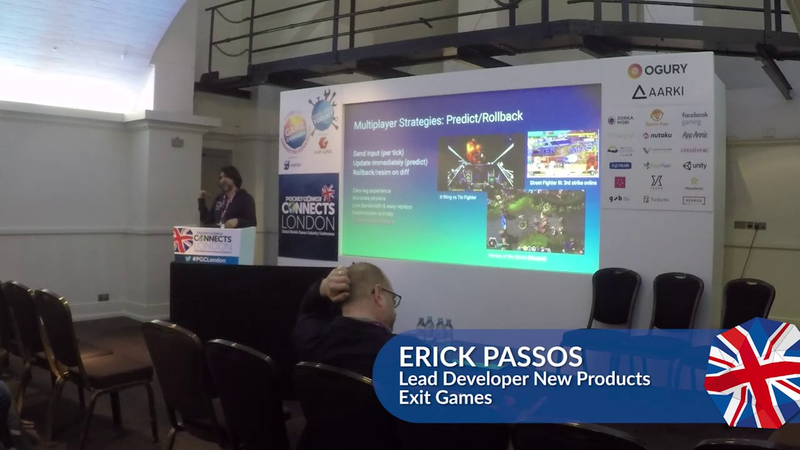
How predict rollback determinism will revolutionise real-time multiplayer game development
Predictive rollback determinism represents a highly efficient architecture for real-time multiplayer game development, particularly for action-oriented genres like fighting games and brawlers.
- Predictive rollback architecture achieves low-latency, local-feel gameplay by synchronizing only player inputs rather than full game states, significantly reducing bandwidth requirements compared to snapshot interpolation.
- To ensure cross-platform determinism, developers must replace floating-point math with fixed-point math, specifically utilizing 48-bit integer and 16-bit decimal formats.
- Engine performance must be optimized for rapid state rollbacks by using blittable structs and memory-aligned buffers instead of object-oriented classes to keep state data within the processor’s L2 cache.

8 Frames in 16ms: Rollback Networking in Mortal Kombat and Injustice 2
NetherRealm Studios successfully transitioned from traditional lockstep networking to a rollback architecture to eliminate the input latency inherent in fighting games.
- NetherRealm Studios successfully implemented a rollback networking architecture that maintains a consistent three-frame input delay by simulating up to eight frames within a 16ms window.
- The system supports competitive-grade online play for round-trip times up to 333ms, covering over 99% of all online matches.
- To ensure performance, the engine maintains a compact state footprint of less than one megabyte per frame by using handles instead of pointers and excluding non-essential systems like audio and particles during re-simulation.
Technical Artist Bootcamp: Introduction to Proceduralism
Procedural content generation serves as a transformative framework for modern game development, shifting production away from manual, destructive workflows toward flexible, node-based systems.
- Procedural content generation shifts development from manual, destructive workflows to flexible, node-based systems, effectively reducing production bottlenecks and mitigating development crunch.
- Successful proceduralism relies on balancing algorithmic efficiency with deliberate, art-directed control, ensuring that automation supports rather than replaces artistic intent.
- Technical artists should implement procedural systems incrementally by building small, robust prototypes that solve specific production hurdles rather than attempting to overhaul entire pipelines simultaneously.
The Illusion of Motion: Making Magic with Textures in the Vertex Shader
Leveraging vertex shaders to sample textures as data containers offers a high-performance alternative to traditional CPU-driven animation pipelines.
- Encoding animation data like vertex positions, rotations, and bone weights directly into textures allows developers to offload processing from the CPU to the GPU vertex shader.
- This GPU-centric approach enables the management of complex simulations—such as cloth, liquids, and large-scale particles—while supporting higher bone counts than conventional animation pipelines.
- Treating textures as data containers allows for extreme compression, such as storing 166 minutes of facial animation at 30 frames per second within a single 2K texture.

Real Time Rendering for Feature Film: Rogue One
The integration of real-time rendering into the production of Rogue One: A Star Wars Story represents a pivotal shift in visual effects workflows, proving that high-fidelity game engine technology can meet the rigorous aesthetic standards of feature film production.
- The Advanced Development Group successfully integrated Unreal Engine into the production of 'Rogue One' to render the character K-2SO, proving game engine technology can meet high-end feature film aesthetic standards.
- The workflow utilized open standards like Alembic and Material X to import complex ILM assets into a real-time environment without requiring custom rebuilding.
- By employing custom solutions for geometry caching and temporal super-sampling, the team achieved film-quality beauty renders at 9K resolution.

Make A Gorgeous Start Menu (Unity UI Tutorial)!
Developing a professional, responsive start menu in Unity requires a structured workflow that begins with high-fidelity design.
- Establish a consistent UI across resolutions by using the Canvas Scaler component set to scale with screen size and utilizing sliced sprite modes to preserve asset integrity.
- Create a high-fidelity visual baseline by designing 4K mock-ups in external software like Photoshop or Illustrator before exporting individual assets as PNGs.
- Implement dynamic visual feedback by using an Animator state machine to manipulate scale and color properties rather than modifying rect-transform dimensions.

Make Cool Games With Unity 3D! - (Part 2)
Efficient game development in Unity relies heavily on the strategic use of prefabs to streamline object management and level design.
- Utilize prefabs as modular building blocks for game elements like enemies and obstacles to enable global updates and ensure consistency across multiple scenes.
- Implement object-finding workarounds in scripts to manage enemy behavior, as prefabs cannot maintain direct references to objects within a specific scene.
- Develop core mechanics by combining foundational, reusable scripts for collision detection, object destruction, and dynamic movement rather than writing redundant code.

How To Make 2D Platformers (Unity Fundamentals Tutorial)
Building a professional 2D platformer in Unity requires a disciplined approach to project architecture and the integration of specialized animation tools.
- Establish a scalable foundation by prioritizing organized object hierarchies and utilizing layered artwork exported from external design software.
- Implement player physics using capsule colliders and configure orthographic cameras with Cinemachine to ensure consistent movement and reliable tracking.
- Simulate three-dimensional depth in 2D environments by applying parallax scrolling scripts that assign varying movement factors to background and foreground layers.

2D Animation (Unity Tutorial)!
This guide outlines the technical workflow for creating and integrating 2D character animations into the Unity game engine using Spine 2D.
- Integrate Spine 2D animations into Unity by importing a JSON file and atlas, then using the Skeleton Mecanim component to bridge Spine animations with Unity’s native state machine.
- Manage complex character behaviors like running, jumping, and attacking by using boolean parameters and transition logic within the Unity state machine.
- Construct skeletal rigs in Spine by establishing parent-child bone relationships that prioritize functional movement over strict anatomical accuracy.
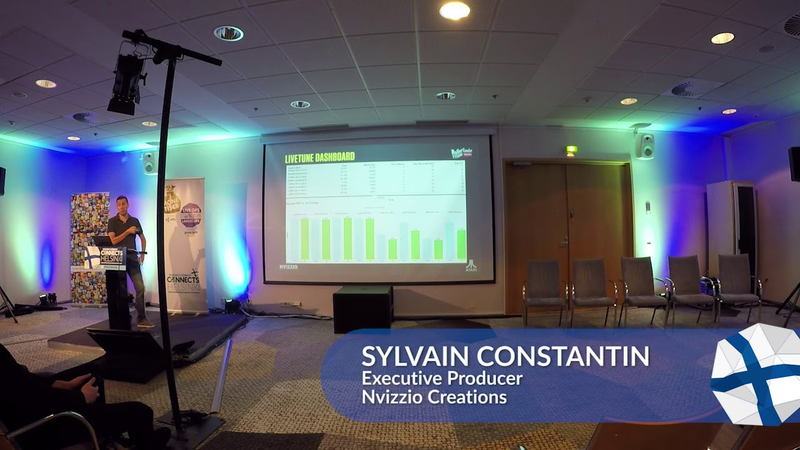
How Nvizzio increased day 30 retention by 50% with Unity's LiveTune
The mobile game developer Nvizzio Creations, led by executive producer Sylvain Constantin, utilized Unity’s LiveTune and Unity Ads to significantly optimize the performance, retention, and monetization of the title RollerCoaster Tycoon Touch.
- Nvizzio Creations achieved a 50% increase in day-30 retention for RollerCoaster Tycoon Touch on Android by using Unity’s LiveTune to optimize technical performance across fragmented devices.
- LiveTune enabled real-time adjustments to game settings, such as frame rate and memory management, without requiring full build updates, effectively closing the performance gap between Android and iOS.
- By shifting to a diversified ad strategy featuring user-initiated rewards, the studio increased daily revenue per user by a factor of three.
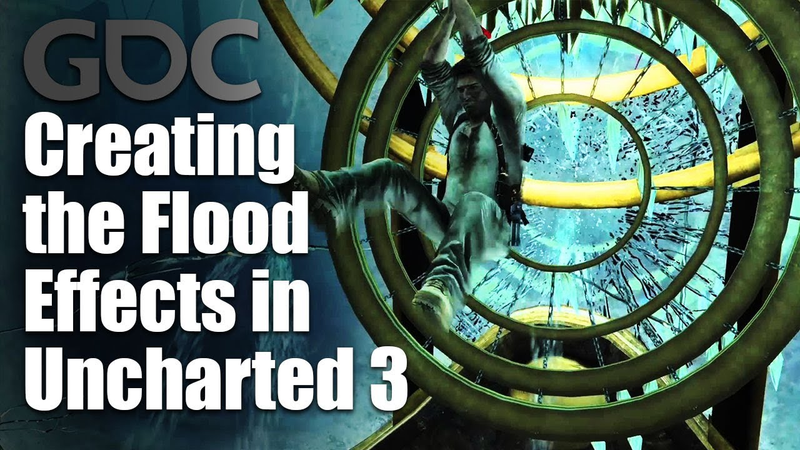
Creating the Flood Effects in Uncharted 3
The development of flood effects for Uncharted 3 relied on a hybrid approach that combined fluid simulations with optimized, artist-driven mesh and particle systems.
- To optimize performance on PlayStation 3 hardware, the team used skeletal meshes with one joint per vertex, reducing the required joint count by two-thirds by utilizing elongated rectangular polygons.
- The team achieved high-fidelity water surfaces by using a ray-casting technique aligned with the camera’s perspective to extract mesh data from Houdini simulations, effectively eliminating visual artifacts like incorrect overhangs.
- Particle system performance was managed by rendering to a quarter-resolution buffer and replacing standard quad shapes with octagonal ones to overcome fill-rate limitations.